Get the completed PDF
Any document produced by a PDF Form Craft submission can be verified — whether it was emailed to you, downloaded, or handed over.
Document verification
Every form submitted through PDF Form Craft can be verified against the original submission. If someone hands you a completed PDF, you can confirm it is the genuine article — free, no account required.
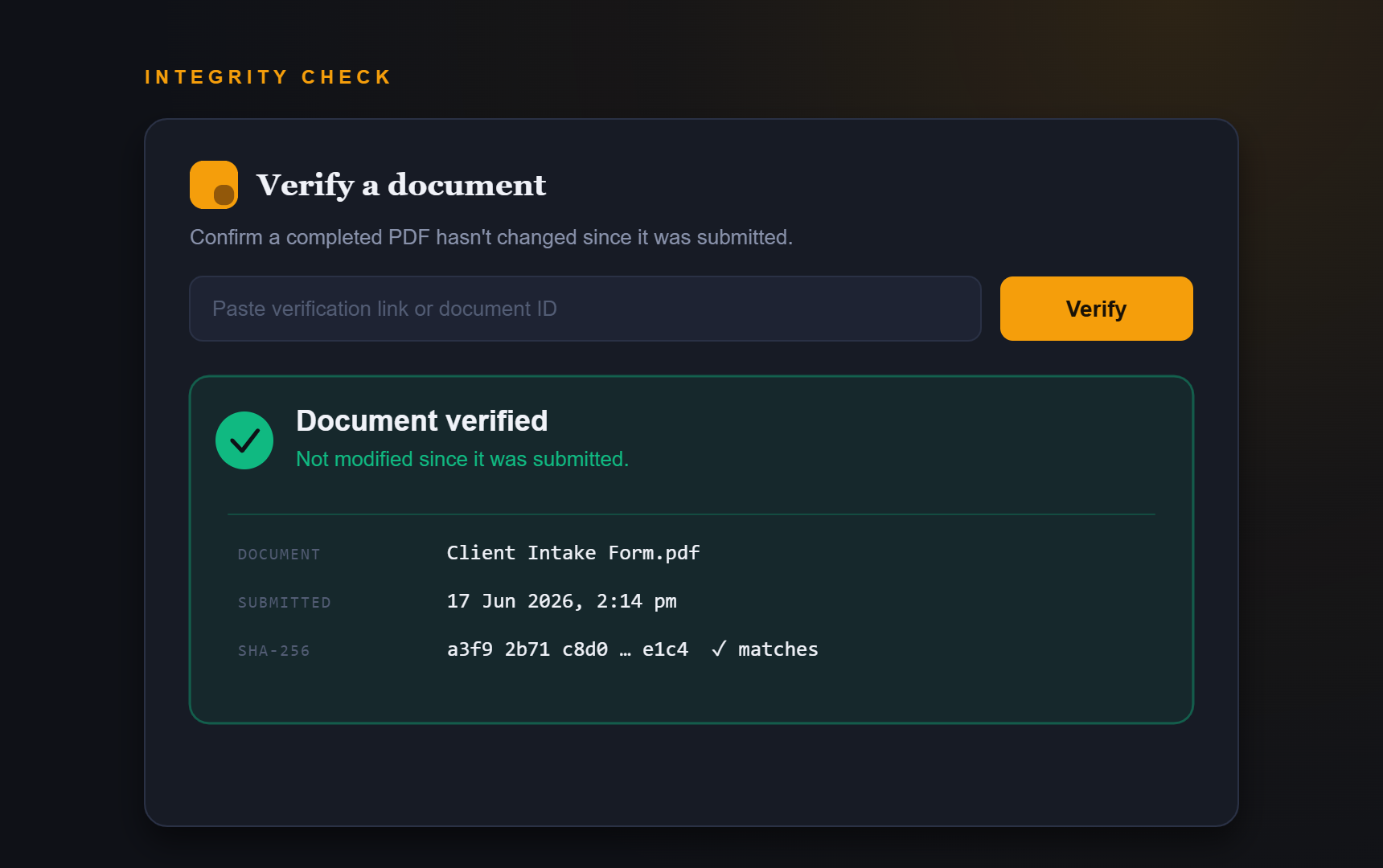
Verification tool
The verification tool opens securely in the PDF Form Craft app. It is free to use and does not require an account.
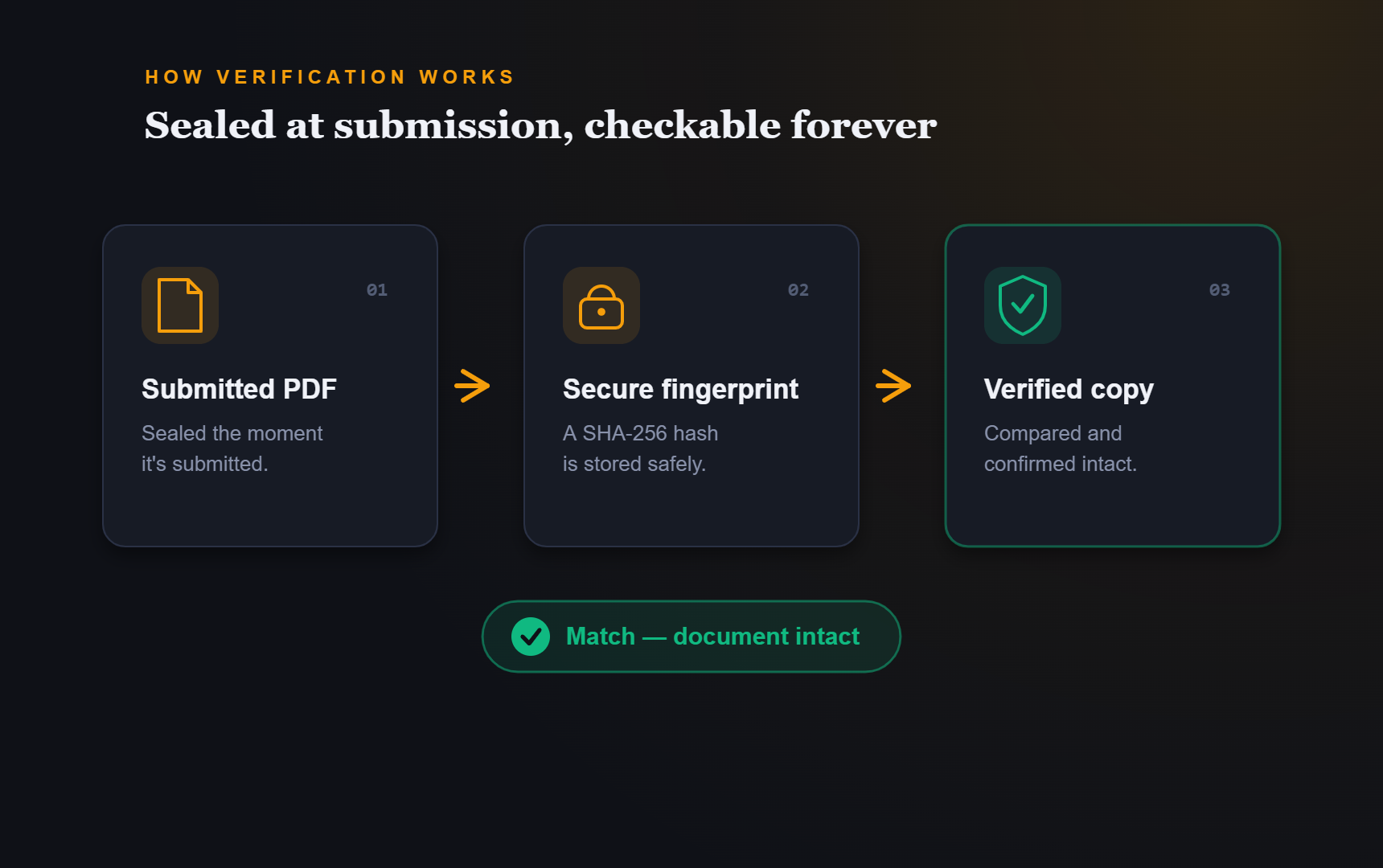
How it works
Verification is open to anyone holding a PDF Form Craft document — recipients, auditors, and the person who filled it in.
Any document produced by a PDF Form Craft submission can be verified — whether it was emailed to you, downloaded, or handed over.
Continue to the PDF Form Craft app and provide the document. You do not need an account or need to be the person who created the form.
We check the document against the original submission and tell you plainly: unmodified, or not the document that was submitted.
Why it matters
Completed forms get forwarded, printed, attached, and filed. Somewhere along the way, "is this the real one?" becomes a fair question. Verification gives everyone in that chain — your team, your clients, an auditor — a way to answer it in seconds, without taking anyone's word for it.
Verification is available for every submission on every plan. Trust is not an enterprise feature.
Build on it
Every PDF Form Craft submission is verifiable from day one, on every plan — including Free.