Hiring and operations
Staff onboarding forms
Move repeat onboarding paperwork into online PDF forms that new staff can complete before their first shift or induction.
Why PDF forms are painful here
Small gaps in the form create extra admin later.
- New starters return forms across email threads and message apps.
- Managers chase missing emergency contacts, policy acknowledgements, or bank details.
- Printed onboarding packs are slow to update and easy to lose.
How PDF Form Craft helps
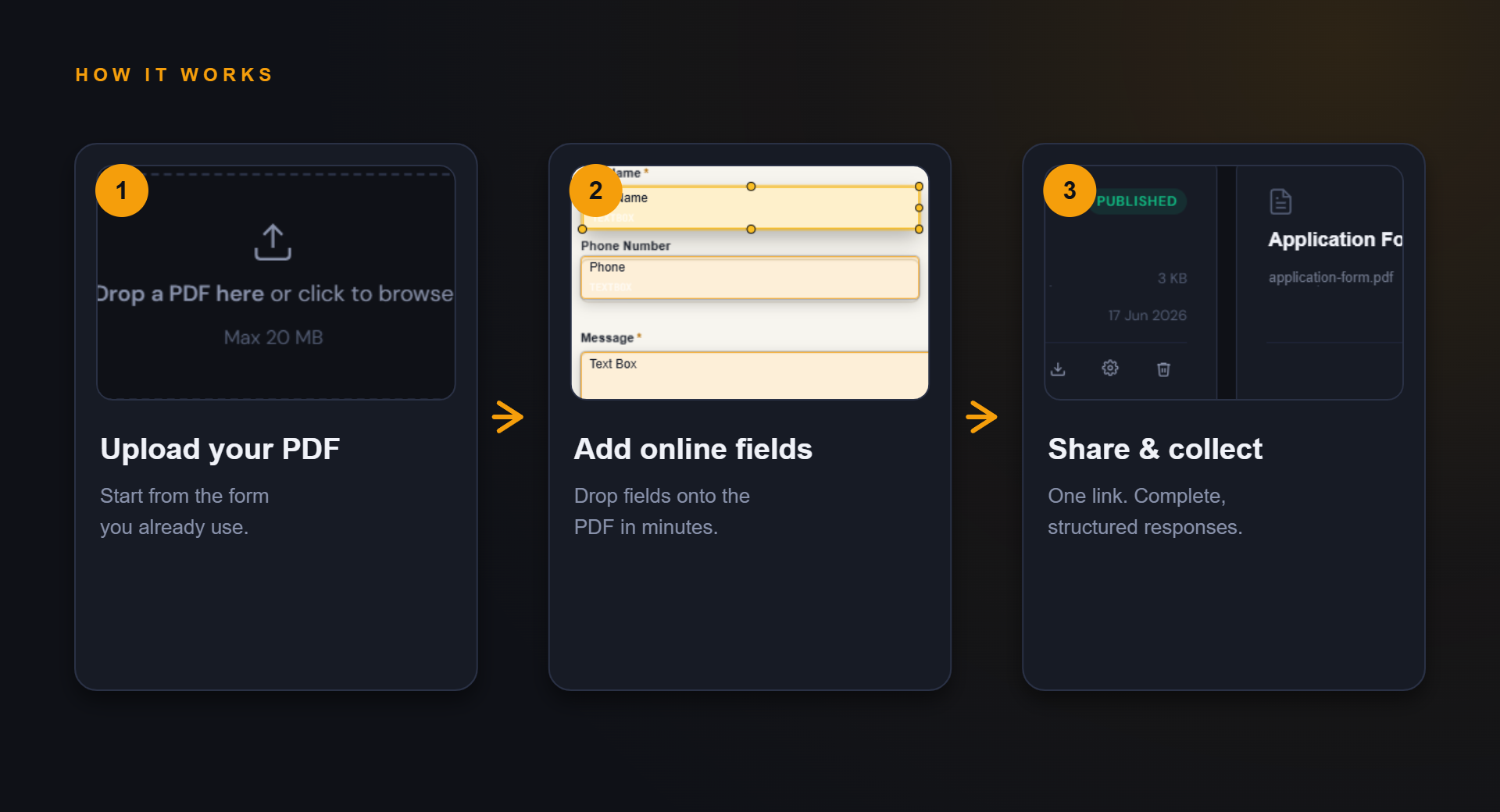
Keep the familiar PDF, improve the collection path.
The goal is not to redesign your whole process. It is to make the repeated form step easier to complete and review.
Send one link to new staff and keep the response format consistent.
Use structured responses to reduce manual checking before induction.
Example fields
Fields you might add to this PDF form.
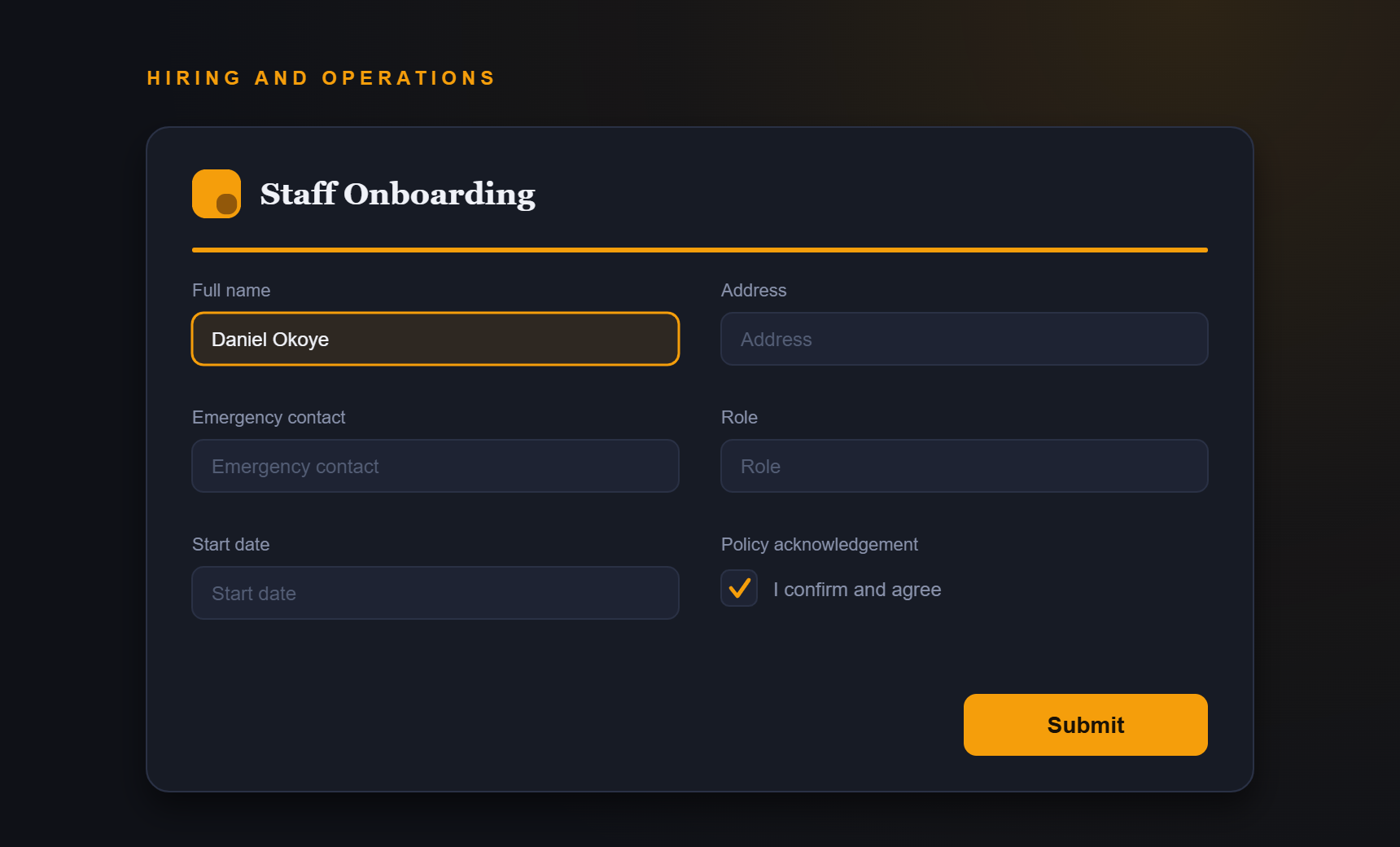
- Full name
- Address
- Emergency contact
- Role
- Start date
- Policy acknowledgement
Benefits
What improves when responses are structured.
- Faster onboarding admin
- Consistent staff records
- Less missing information
- A tidier induction process
FAQ
Questions about staff onboarding forms.
Can different roles use different PDFs?
Yes. Create separate online forms for the PDFs and workflows used by each role or team.
Should I collect payroll details through public forms?
Only collect sensitive information after confirming your security, access, and privacy controls are appropriate.
Start simple
Turn your staff onboarding forms PDF into an online form.
Start with your current PDF and create a cleaner collection path for the people who need to complete it.