Professional services
Client intake forms
Collect consistent client details before appointments, projects, or consultations without chasing handwritten PDF returns.
Why PDF forms are painful here
Small gaps in the form create extra admin later.
- Clients send incomplete PDFs or photos of printed forms.
- Teams retype contact details, history, preferences, and consent notes.
- Important intake information gets buried in inboxes before the first appointment.
How PDF Form Craft helps
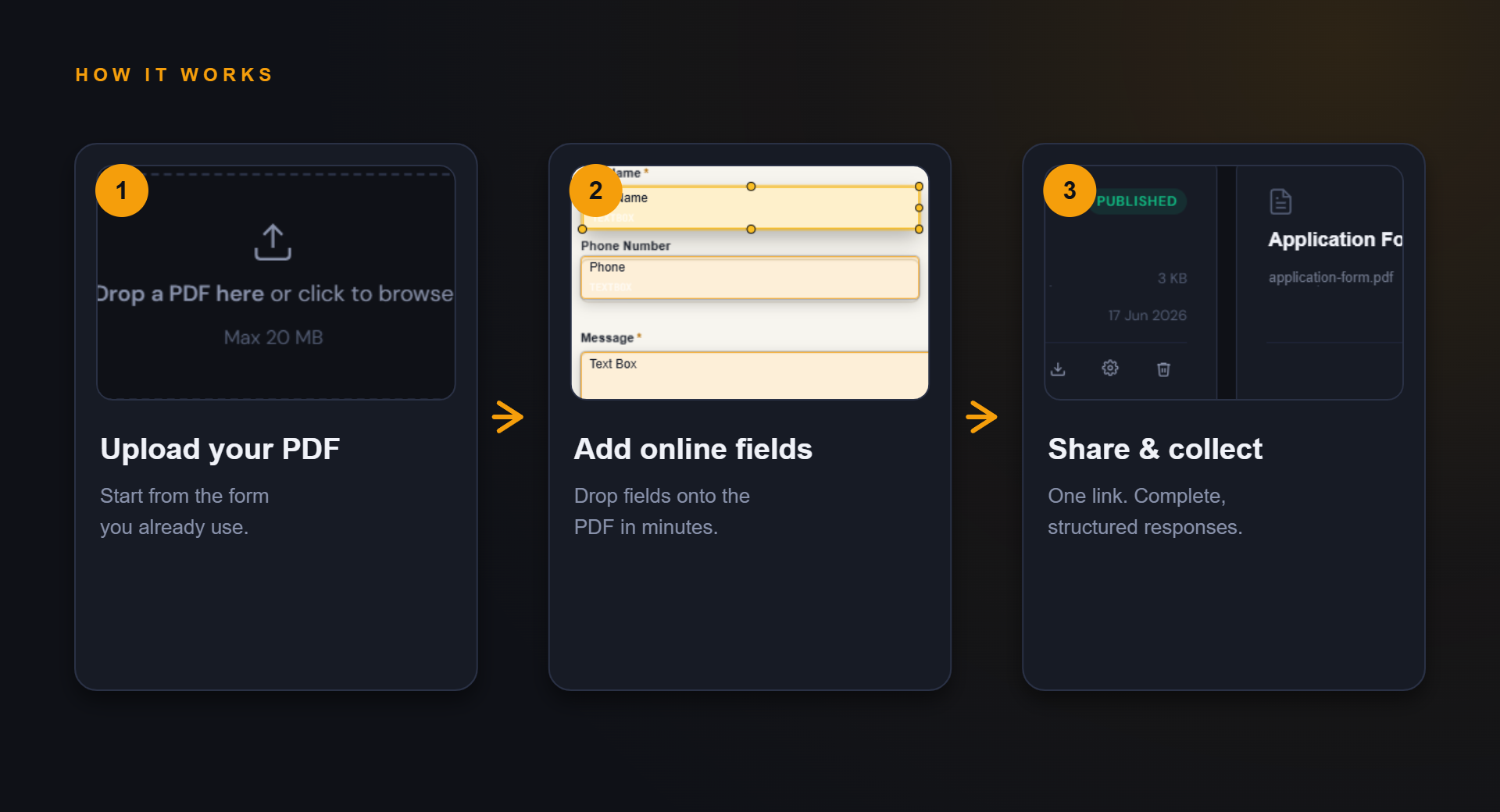
Keep the familiar PDF, improve the collection path.
The goal is not to redesign your whole process. It is to make the repeated form step easier to complete and review.
Share one link before a meeting, appointment, or quote call.
Review structured responses instead of interpreting scanned copies.
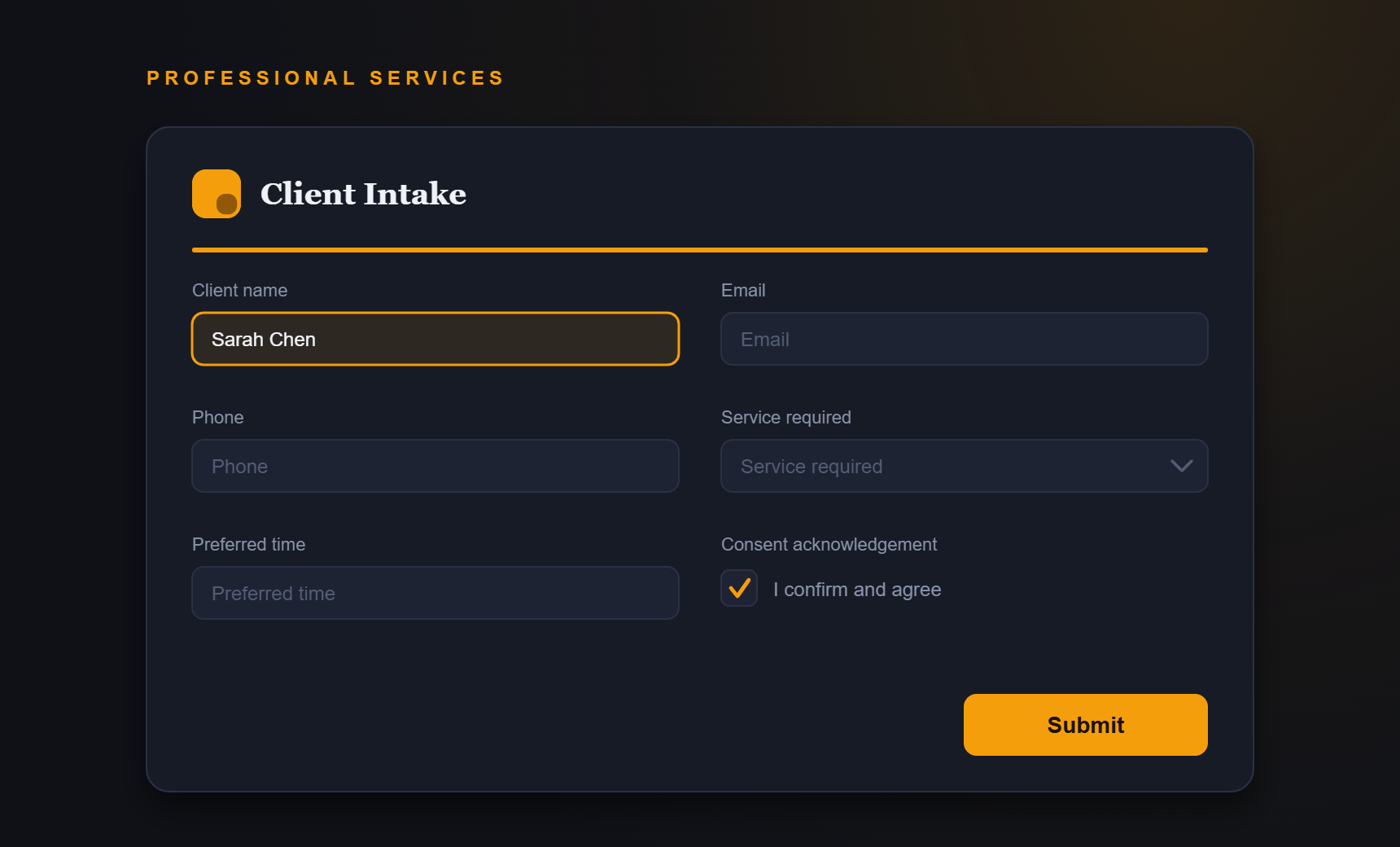
Example fields
Fields you might add to this PDF form.
- Client name
- Phone
- Service required
- Preferred appointment time
- Consent acknowledgement
Benefits
What improves when responses are structured.
- Cleaner first-contact workflow
- Less admin retyping
- Fewer missing details
- A smoother client experience
FAQ
Questions about client intake forms.
Can I keep my current intake PDF design?
Yes. The workflow starts from your existing PDF, then adds online fields so the form can be completed through a link.
Is this suitable for regulated industries?
Review your privacy and compliance obligations before using any public form for sensitive information.
Start simple
Turn your client intake forms PDF into an online form.
Start with your current PDF and create a cleaner collection path for the people who need to complete it.