Field teams
Inspection checklists
Replace printed inspection PDFs with online checklists that are easier to complete, review, and organise after site visits.
Why PDF forms are painful here
Small gaps in the form create extra admin later.
- Printed checklists are returned late or photographed at poor quality.
- Supervisors cannot easily compare results across jobs.
- Minor omissions can hold up compliance or service reporting.
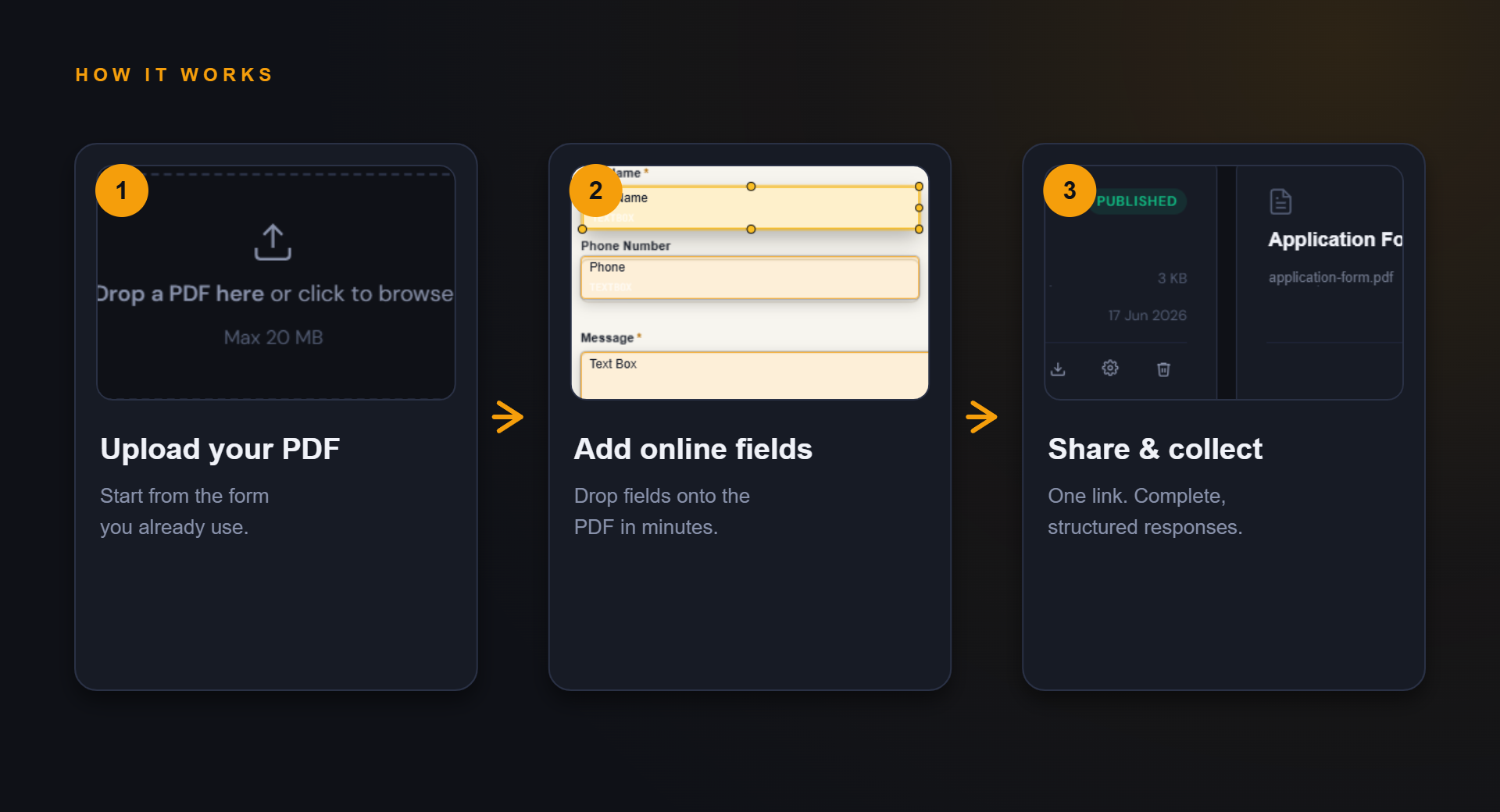
How PDF Form Craft helps
Keep the familiar PDF, improve the collection path.
The goal is not to redesign your whole process. It is to make the repeated form step easier to complete and review.
Share the inspection form with field staff before the visit.
Collect consistent answers for faster review back at the office.
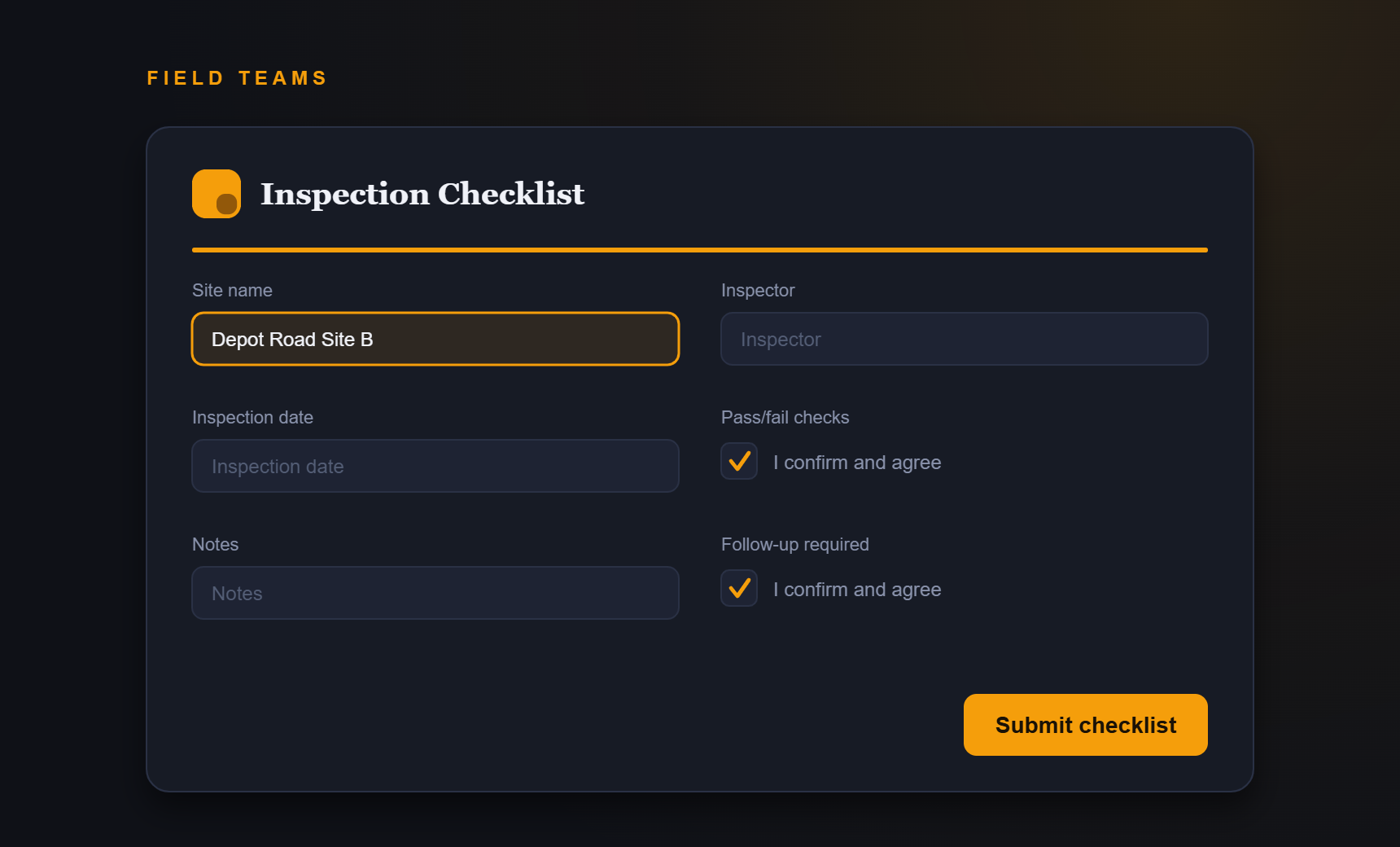
Example fields
Fields you might add to this PDF form.
- Site name
- Inspector
- Inspection date
- Pass/fail checks
- Notes
- Follow-up required
Benefits
What improves when responses are structured.
- Fewer illegible returns
- More consistent checks
- Cleaner records
- Less paper handling
FAQ
Questions about inspection checklists.
Can checklists include yes/no fields?
Use the product field types available in your account; confirm exact field support before publishing a public promise.
Can I keep signed inspection PDFs?
PDF Form Craft is aimed at response collection. Formal signature requirements should be handled with the appropriate signing workflow.
Start simple
Turn your inspection checklists PDF into an online form.
Start with your current PDF and create a cleaner collection path for the people who need to complete it.