Procurement and admin
Supplier forms
Collect supplier details, onboarding information, and update requests through online versions of the PDFs your team already uses.
Why PDF forms are painful here
Small gaps in the form create extra admin later.
- Supplier onboarding PDFs come back incomplete or in inconsistent formats.
- Admin teams re-enter contact, compliance, and payment details.
- Updates are difficult to track when suppliers send separate emails.
How PDF Form Craft helps
Keep the familiar PDF, improve the collection path.
The goal is not to redesign your whole process. It is to make the repeated form step easier to complete and review.
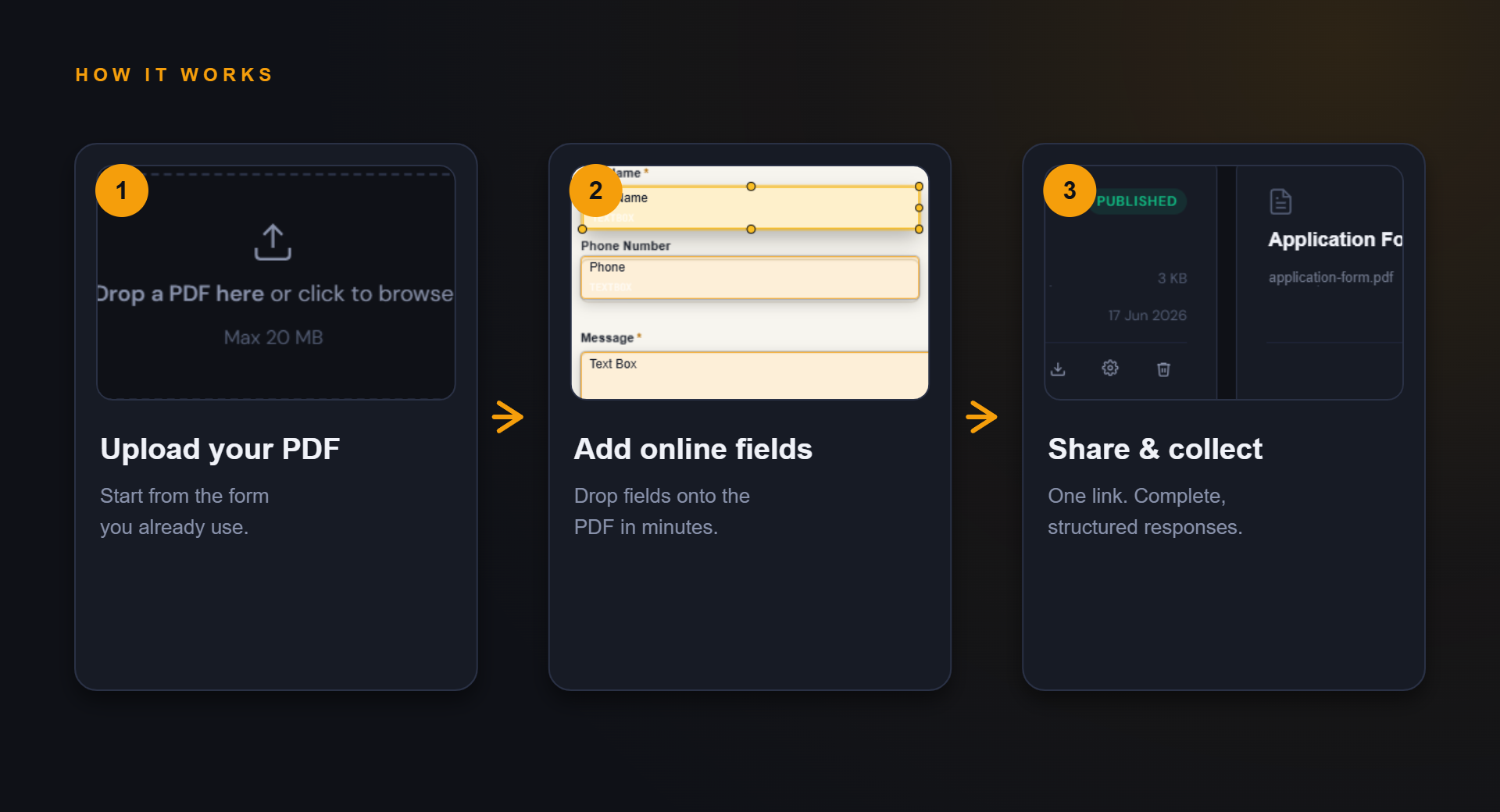
Share one link for supplier onboarding or detail updates.
Collect consistent responses that are easier to review internally.
Example fields
Fields you might add to this PDF form.
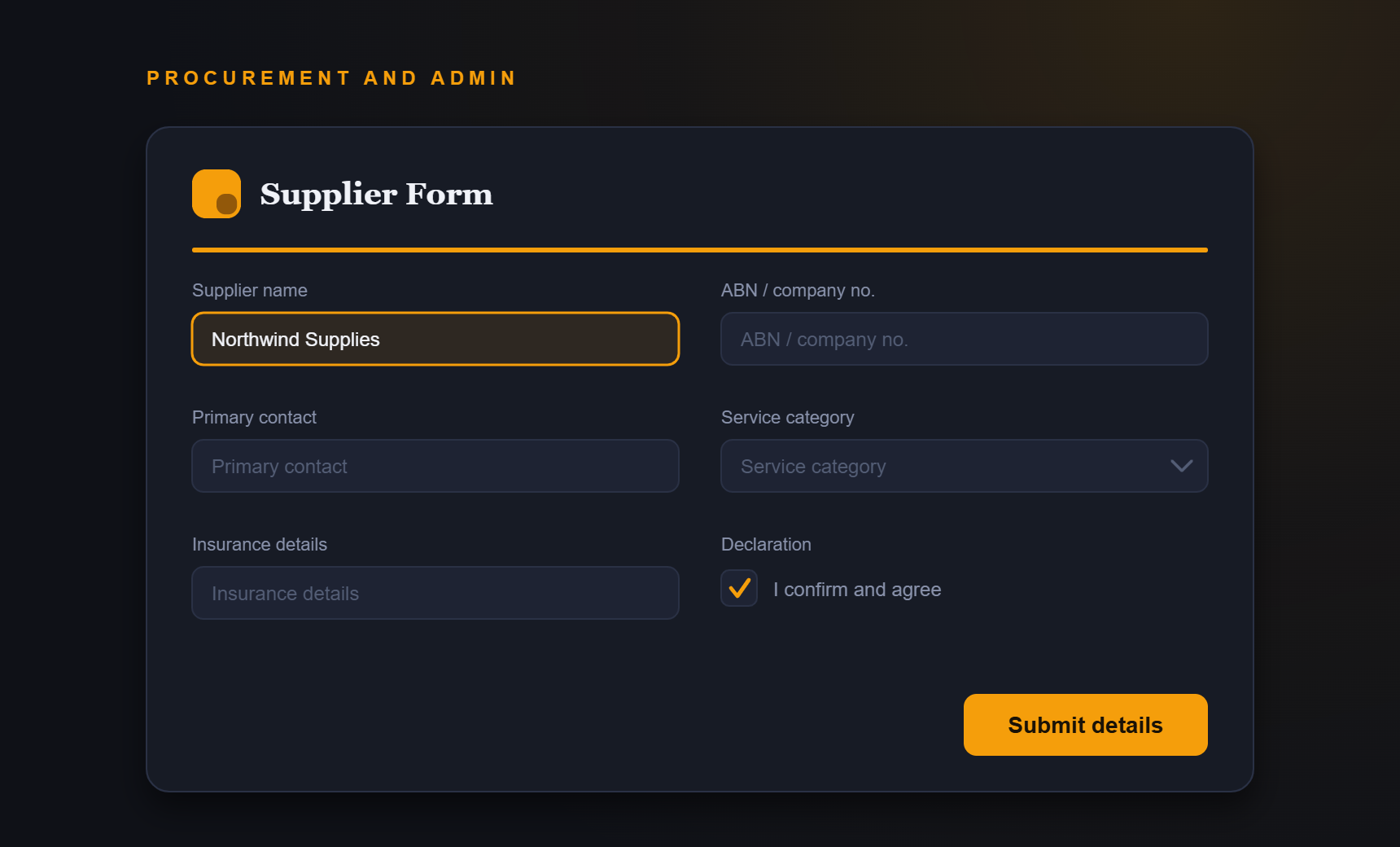
- Supplier name
- ABN or company number
- Primary contact
- Service category
- Insurance details
- Declaration
Benefits
What improves when responses are structured.
- Cleaner supplier onboarding
- Reduced admin handling
- Fewer missing details
- Consistent update requests
FAQ
Questions about supplier forms.
Can suppliers upload documents?
Confirm exact product upload support before publishing this as a supported feature.
Can I use this for annual supplier updates?
Yes. A shared online form can make repeat update requests easier to send and collect.
Start simple
Turn your supplier forms PDF into an online form.
Start with your current PDF and create a cleaner collection path for the people who need to complete it.