Operations and safety
Incident report forms
Collect incident details in a structured online form so small teams can respond faster and keep clearer internal records.
Why PDF forms are painful here
Small gaps in the form create extra admin later.
- Incident information arrives incomplete or after the details are forgotten.
- Managers chase basic facts such as time, location, people involved, and immediate actions.
- Reports can be hard to review when returned as scans or photos.
How PDF Form Craft helps
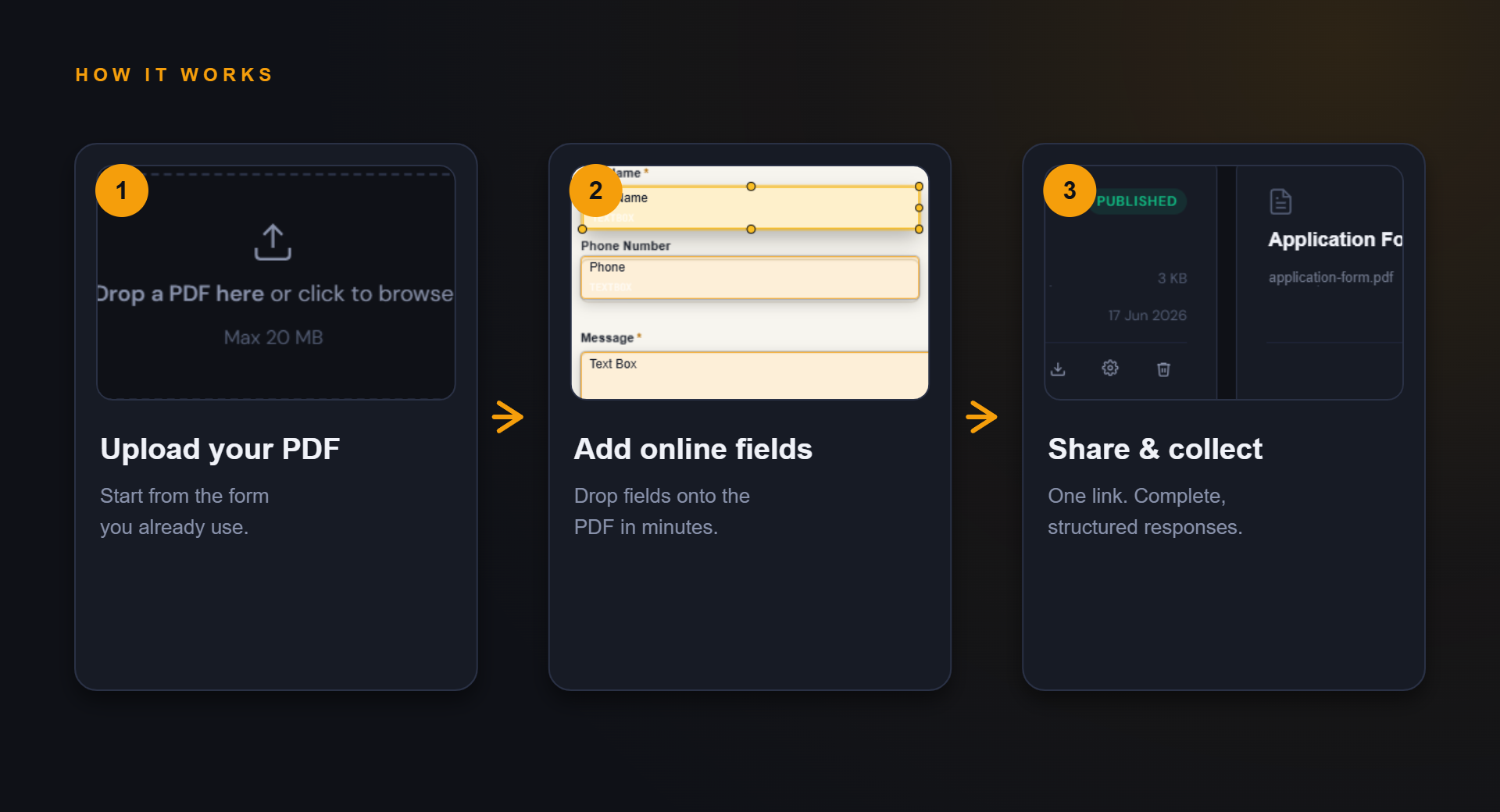
Keep the familiar PDF, improve the collection path.
The goal is not to redesign your whole process. It is to make the repeated form step easier to complete and review.
Prompt people to provide the details needed for follow-up.
Keep submissions in a more structured format for review.
Example fields
Fields you might add to this PDF form.
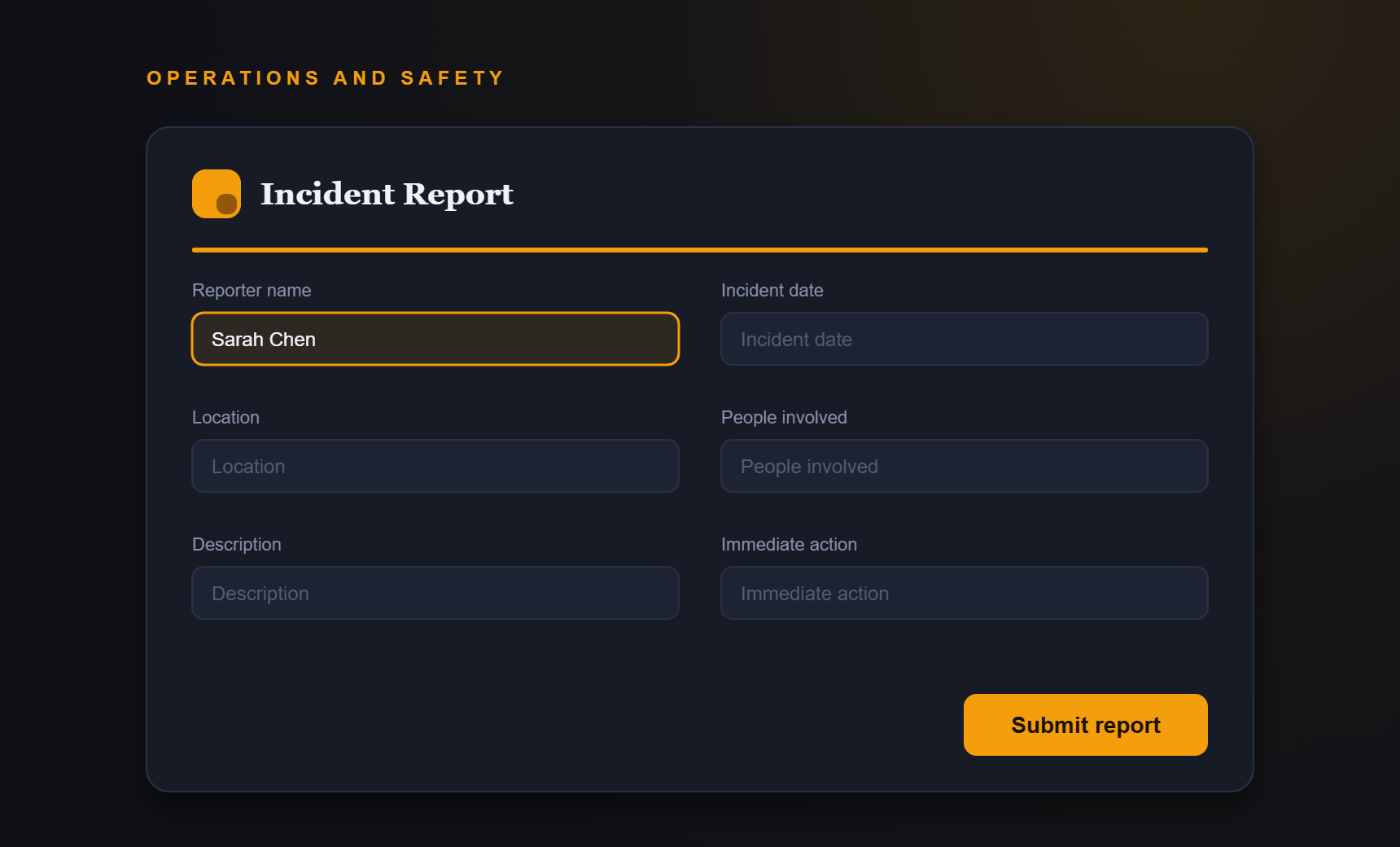
- Reporter name
- Incident date
- Location
- People involved
- Description
- Immediate action taken
Benefits
What improves when responses are structured.
- Clearer initial reports
- Faster follow-up
- Reduced chasing
- More consistent internal records
FAQ
Questions about incident report forms.
Can this be used for urgent emergencies?
No public form should replace emergency procedures. Use the form for reporting and follow-up after immediate safety steps.
Can reports be anonymous?
That depends on how you configure the fields and your internal reporting policy.
Start simple
Turn your incident report forms PDF into an online form.
Start with your current PDF and create a cleaner collection path for the people who need to complete it.