Clubs and services
Application forms
Turn membership, programme, grant, booking, or service application PDFs into online forms with fewer missing fields.
Why PDF forms are painful here
Small gaps in the form create extra admin later.
- Applicants skip required details or return the wrong version of a PDF.
- Teams manually sort email attachments and copied notes.
- Application windows become messy when every submission arrives differently.
How PDF Form Craft helps
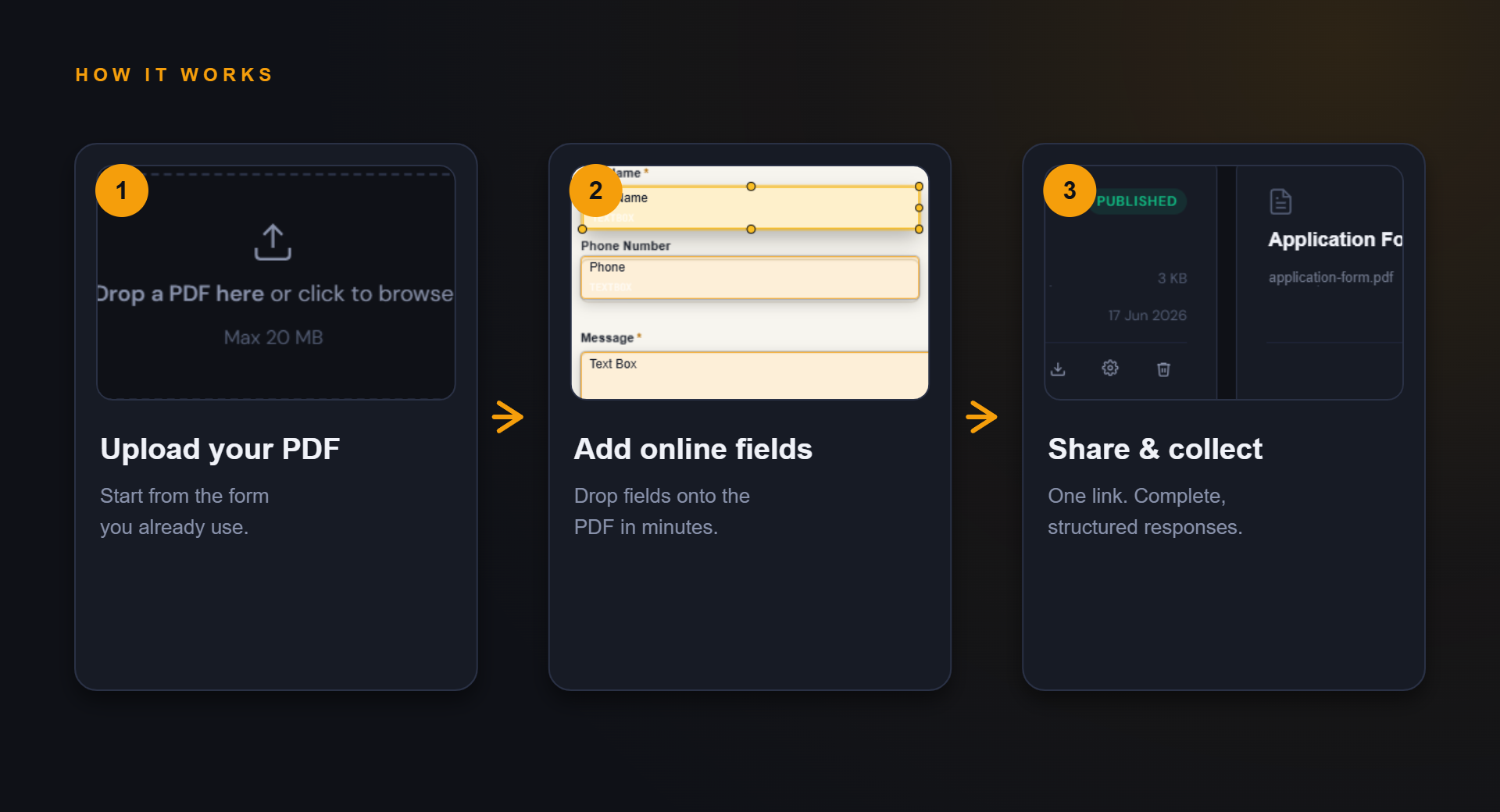
Keep the familiar PDF, improve the collection path.
The goal is not to redesign your whole process. It is to make the repeated form step easier to complete and review.
Share the form link in emails, webpages, or social posts.
Collect responses in a consistent structure for review.
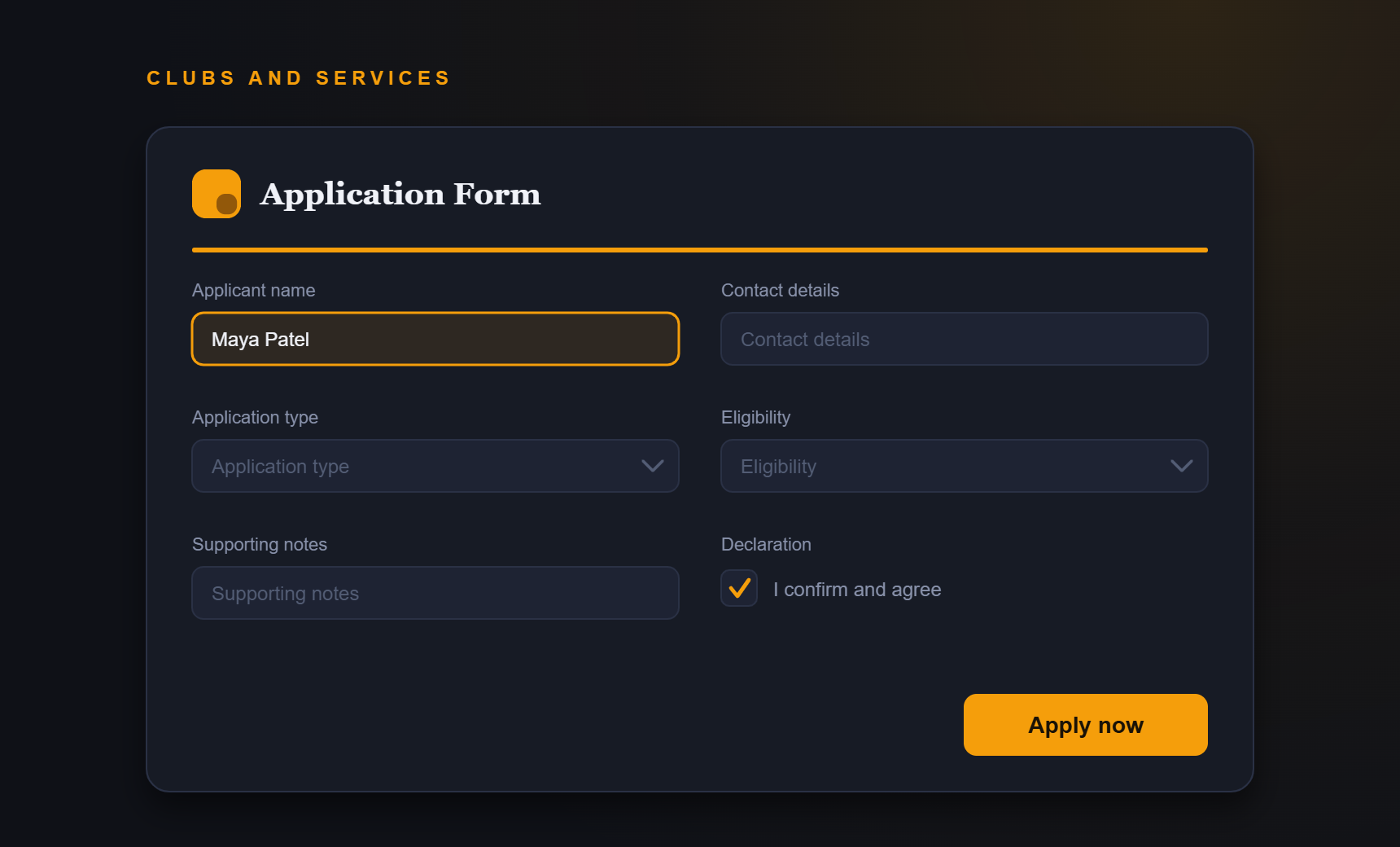
Example fields
Fields you might add to this PDF form.
- Applicant name
- Contact details
- Application type
- Eligibility questions
- Supporting notes
- Declaration
Benefits
What improves when responses are structured.
- Simpler application intake
- Fewer wrong-file returns
- Easier review
- Better applicant experience
FAQ
Questions about application forms.
Can I use different applications for different programmes?
Yes. Create separate forms for each PDF template and workflow.
Can applicants save progress?
Confirm current product behaviour before promising save-and-resume support.
Start simple
Turn your application forms PDF into an online form.
Start with your current PDF and create a cleaner collection path for the people who need to complete it.